LinkedIn Wrapped: What Did You Pay for That Cute Little Card?
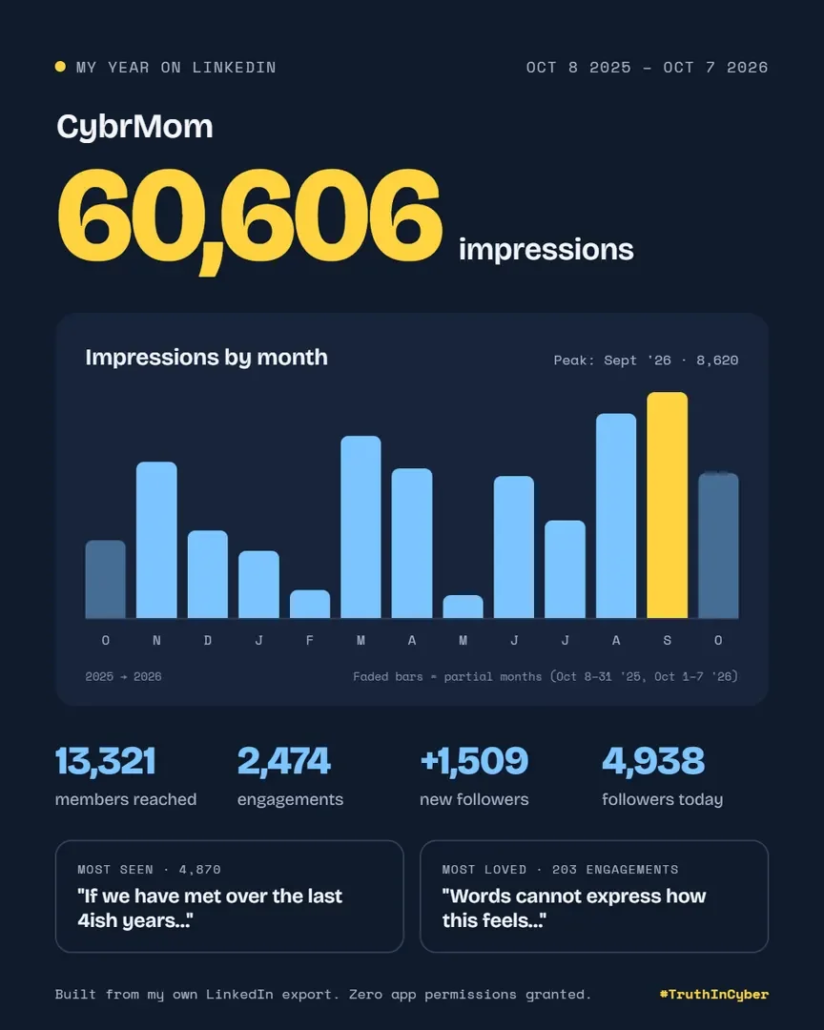
There’s a new trend all over LinkedIn: “LinkedIn Wrapped.” It’s a tidy, shareable card, created by an AI Marketing company, showing your impressions, follower growth, and top posts from the past year.
People say it helped them understand their reach. Fine. Let’s assume it’s not about ego and you really want to get better at your craft. Then I have three questions:
- What are you actually doing with that data?
- How is it different from what LinkedIn already gives you?
- What did you give up to get it?
What are you doing with it?
I asked several people who shared their results: “How are you using this data, or how do you plan to?”
The answers were solid:
- “Story posts perform better than everything else. I’m writing more of those.”
- “I didn’t even post once a week last year. I need to double my output.”
- “I changed roles. My old posts don’t reflect where I am now.”
- “I want to build my brand, not the logo in my email signature.”
Those are real goals, and good ones. But look at what they share: none of them needed a third-party app. Your best-performing posts are already in LinkedIn’s analytics. Your posting frequency is in your activity feed. And you knew your old content didn’t fit your new role before you clicked anything.
How is it different from LinkedIn’s own analytics?
Spoiler: it isn’t.
Click “Post impressions” on your profile. LinkedIn already shows you the same numbers and more. You can switch the date range to the last week, month, quarter, or year. You can see your top posts, your follower growth, and your audience demographics: job titles, industries, and locations of the people you’re actually reaching.
Want it to look like the Wrapped card? Hit Export, download the spreadsheet, and give it to your AI assistant. I used Claude. I got the same result, and no new app got access to my account.
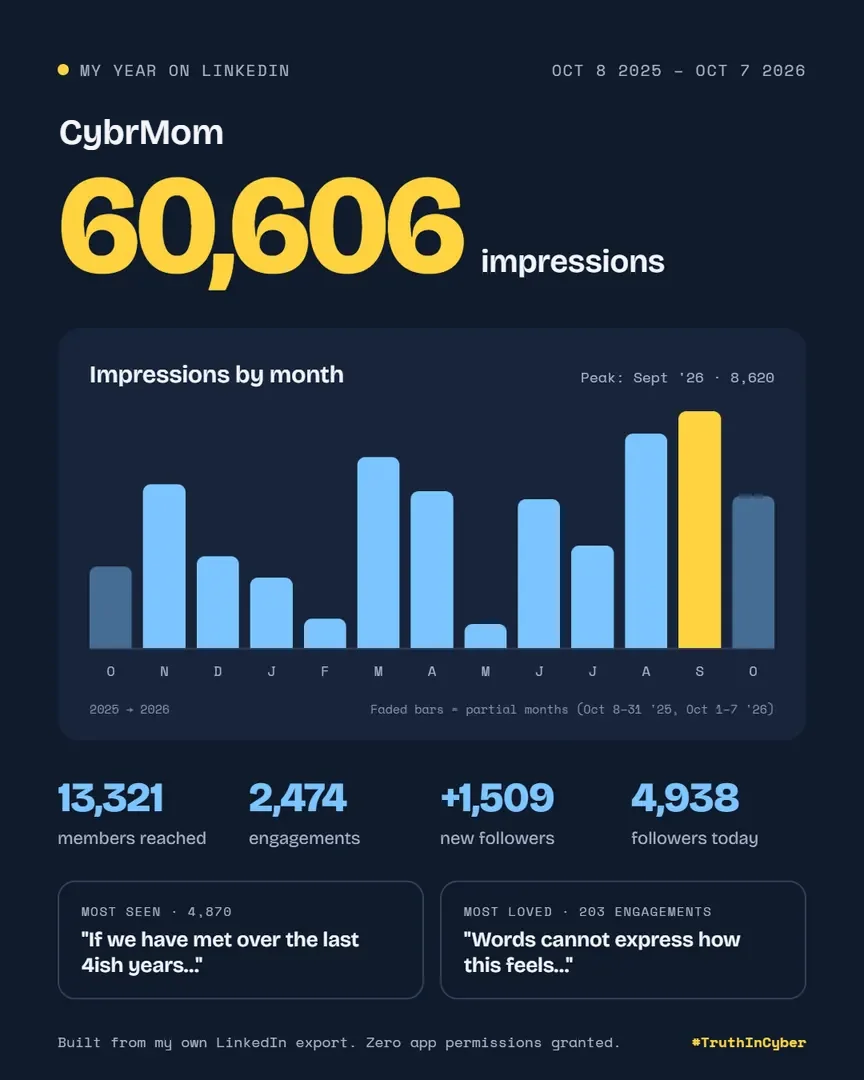
There’s one thing Wrapped adds: a ranking like “top 5% of creators.” Ask yourself where that benchmark comes from. It comes from everyone else who connected their account. When the product is free, your data is the price.
What did you give up?
I’ll admit it. I saw the neatly packaged stats, got curious, and clicked.
Then I hit the permissions screen. Thirteen bullet points stood between me and my fun little post.
Some were standard. Use my name and photo? Sure, it’s building a card with my face on it. Read my follower data? Makes sense.
Manage your organization’s pages and retrieve reporting data. I paused. I’m an admin on 16 company pages, and I wasn’t about to give a “Wrapped” generator the keys to any of them.
Create, modify, and delete posts, comments, and reactions on your behalf. Full stop. Create, fine, it’s making a post. But modify and delete? A year-in-review card has no reason to edit or erase what I’ve said in public. And that request was tucked between two harmless “retrieve information” bullets.
Create, modify, and delete comments and reactions on your organization’s posts. Nope.
And the one that made me write this:
Use the primary email address associated with your LinkedIn account.
Read that again. For a trendy year-in-review card, people handed a third-party app their primary email address. Plenty of people signed up for LinkedIn with their work email. They just exposed their company to a vendor the security team has never heard of. I got all the way to that screen on my work device. Nothing stopped me.
So what’s the actual risk?
It’s not a one-time thing. You didn’t share a password. You granted an OAuth token. It doesn’t need your password, MFA doesn’t block it, and changing your password usually doesn’t revoke it. It stays active until you remove it, and most people never do.
Your account becomes someone else’s megaphone. If that app, or anyone who breaches it, gets your token, they can post, edit, and delete as you. If you approved the org permissions, they can do the same as your company. Think phishing links posted from a trusted executive’s account, or a brand page pushing scams. Stealing app access tokens is a well-known attacker technique (MITRE ATT&CK T1528) because it skips the login entirely.
Your work email lands in someone else’s database. That means marketing lists, data brokers, and breach dumps. Paired with your name, title, and employer, it gives an attacker everything needed for a convincing phishing email.
It’s shadow IT. Your security team vets vendors. You skipped that step. No contract, no review, and no idea where your data lives or who can see it.
The trend teaches bad habits. Every viral “connect your account” gimmick makes clicking “Allow” feel normal. Attackers count on that. Consent phishing, where fake apps request real permissions, works because people have learned to approve without reading.
Fix it now: Go to LinkedIn → Settings → Data privacy → Permitted services and remove anything you don’t use. Then tell your security team what you connected to. They’d much rather hear it from you than find it themselves.
We all preach “read the fine print” and “don’t click shit.” Then a shiny trend shows up and we click anyway.
Your stats were always free. Your access never was.